
Software development for touch panels and kiosks

Interactive catalogs, navigation, presentations and working interfaces for a specific device.

We take into account the diagonal, multi-touch, operating mode, operation without a keyboard, unstable network and connected peripherals. We test the prototype on the target hardware before launch.

Tested on exhibition scenarios

From presentation to industrial interface

The application can work as an interactive catalog at a stand, a site map, a self-service terminal or an operator panel. The architecture is determined by the task, not the appearance of the screen.
  • Design for viewing distance and public use
  • Content that can be updated without rebuilding the entire application
  • Stable full screen mode and controlled recovery
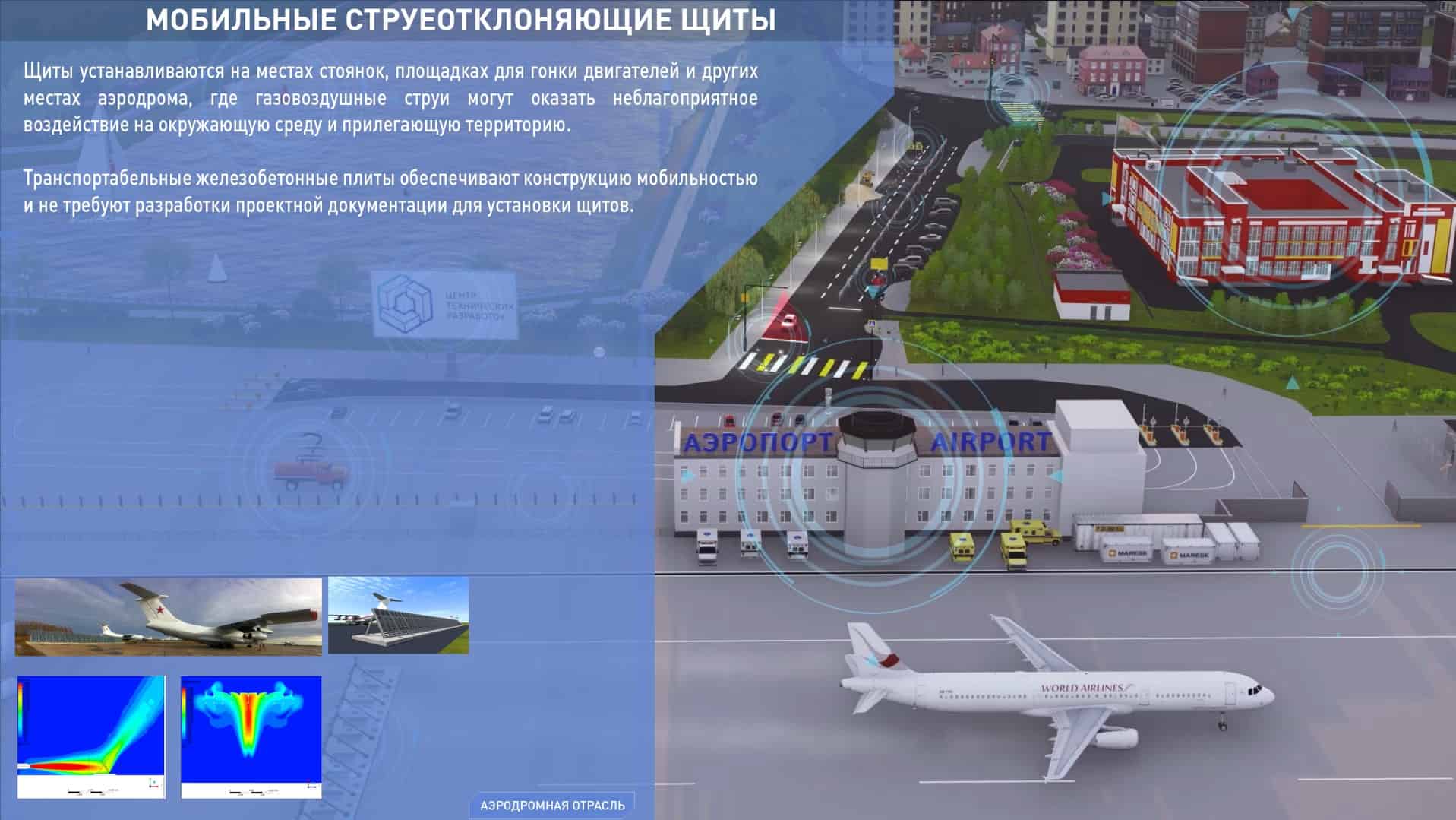
Interactive app on large touchpad

Software for the real operating environment

A touchscreen interface cannot be designed like a regular website.
First, we record user actions, device characteristics, content and external systems. Then we create an interactive prototype and test touch zones, performance and recovery scenarios.
Touch-first interface
Large touch zones, clear navigation, multi-touch and hover-free states.
Offline mode
Local data, synchronization queue and correct operation in case of network loss.
Hardware integration
Scanners, cameras, printers, RFID, sensors and other devices through available SDK and API.
Remote update
Application and content versions, diagnostics, logging and safe rollback script.
Kiosk mode
Autostart, limit system actions and restore the application after a failure.
Windows, Android and Linux
We select the stack after checking the OS, hardware, peripherals and support requirements.
TouchInterface without a mouse
OfflineWork without a network
APIData and peripherals
KioskControlled launch
Scenarios

Where is software for touch panels used?

We assemble the interface around a specific user action, and not around a list of technologies.

01

Exhibitions and showrooms

Catalogues, presentations, configurators and collection of contacts at the stand.

Interactive product demo
02

Navigation and maps

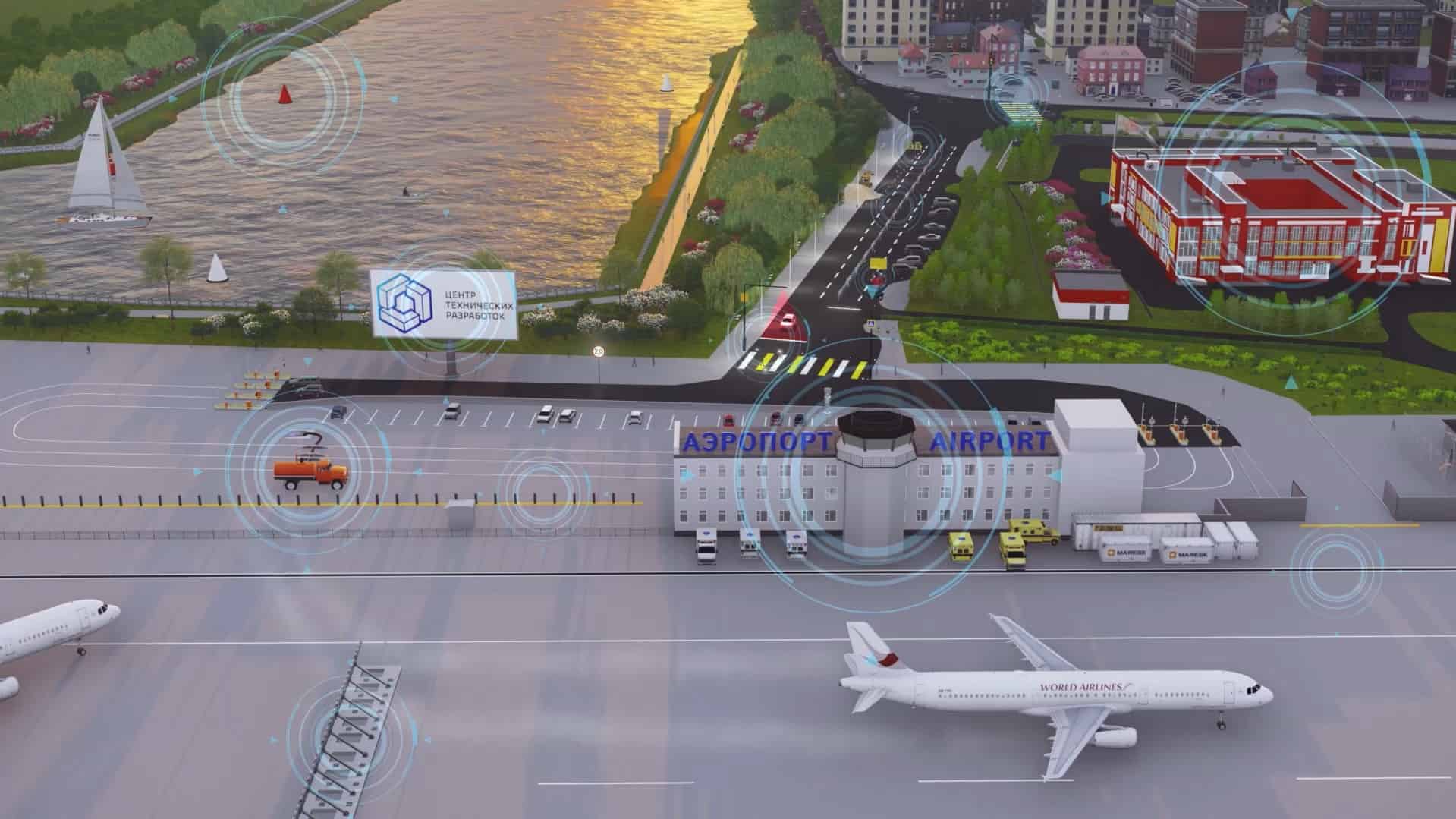
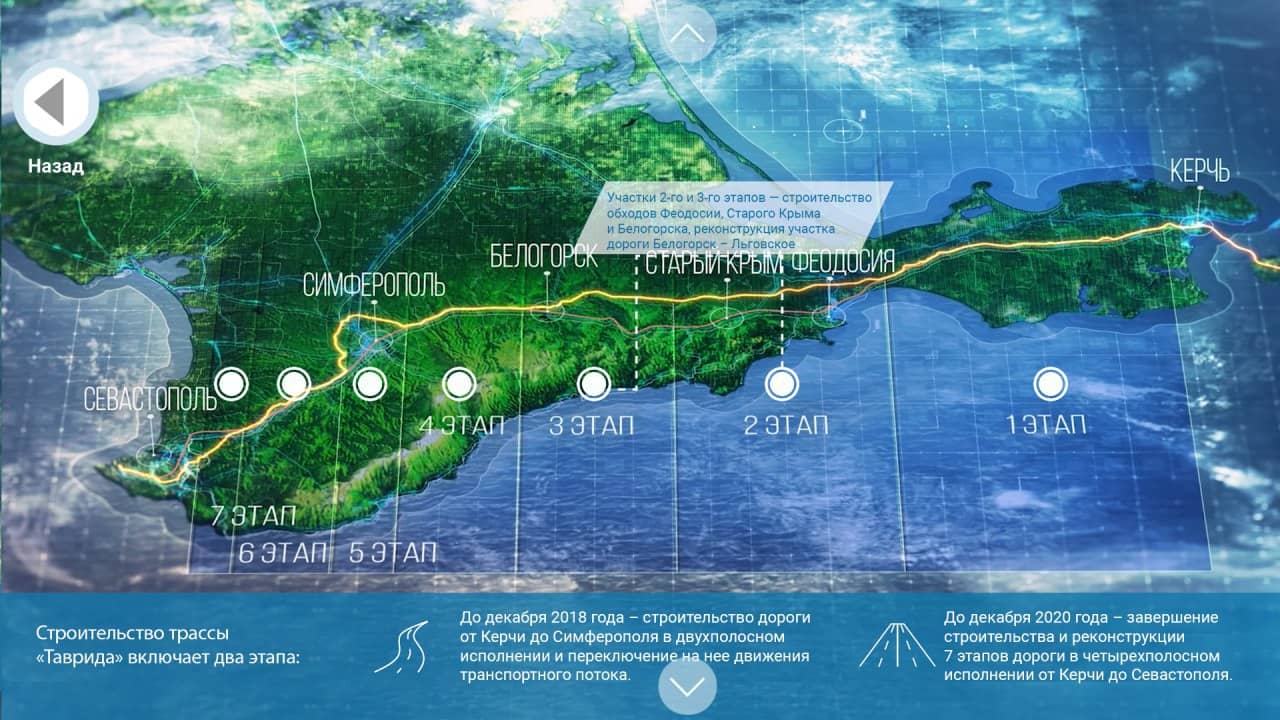
Search for objects, routes, infrastructure and detailed maps of points.

Airports, business centers, territories, events
03

Information kiosks

Help information, schedules, requests and access to services without an operator.

Public spaces
04

Control panels

Operating interfaces for equipment, monitoring, parameters and routine operations.

Production and infrastructure
05

Self-service

Registration, placing an order, issuing a coupon, paying or printing documents.

With peripheral integration
06

Museums and education

Interactive exhibitions, archives, educational modules and multimedia scenarios.

Engaging Content

How we develop software for interactive equipment

At each stage, we check not only the screen, but also the entire scenario: device, content, network, external systems and service.

1

Fixing scenarios and restrictions

We determine users, tasks, equipment, OS, peripherals, network and placement conditions.
2

Designing touch-UX

We create a map of screens, an interactive prototype and check the sizes of touch zones.
3

Choosing an architecture

We define the stack, local storage, API, synchronization, security and update mechanism.
4

We develop and integrate

We assemble the interface and business logic, connect data and available peripherals.
5

Testing on the device

We check touches, resolution, performance, network interruptions, autostart and recovery.
6

We deliver and accompany

We prepare assembly, instructions, logging and a consistent process for updating content and application.
Development assessment

What affects the budget and deadline

We give an assessment after checking the device and the integration circuit. For prototype and production, we fix different amounts of work.

01

Number of screens and scenarios

Navigation, search, catalog, multimedia, forms, and user roles require different logic.

02

Hardware and operating system

Diagonal, resolution, performance, SDK and kiosk mode limitations affect the architecture.

03

Integrations and Peripherals

API, CRM, databases, scanners, cameras, printing and payment devices are priced separately.

04

Offline and fleet management

Synchronization, remote updates, monitoring, logs and rollback increase reliability, but require additional development.

Implemented applications for touch panels

Interactive presentation and information solutions designed for a large touch screen.

Related tasks

Equipment disassembly

Have a panel, kiosk or interactive stand idea?

Send your device model, OS and desired scenario. We will propose a prototype, architecture and testing procedure on real equipment.

Interactive project team

We design the entire interface and software circuit

We connect roles depending on the device and scenario: technical manager, UX designer, frontend and backend developers.
You can assemble exactly the team needed for your project into a project.

Questions about touch panel software

We develop applications for interactive panels, information kiosks, touch tables, exhibition stands and control panels. Before starting, we check the OS, resolution, performance and available integration methods.
Typically yes, as long as the model, operating system, and limitations of the device are known. First, we check the technical specifications, access to installation, kiosk mode and compatibility with peripherals.
Yes, if the script allows you to store the necessary data and media locally in advance. For changeable content, we design synchronization and rules for operation in case of loss of connection.
Windows, Android and Linux are possible. The choice depends on the device, the required peripherals, the update method and support requirements; a universal stack does not always give the best results.
Yes, if the hardware manufacturer provides a compatible SDK, driver, or API. We evaluate integration after checking a specific peripheral model and target scenario.
You can provide an administrative panel, synchronization with the API, or release of application versions. For remote devices, we separately design logging, version control and safe rollback.
The cost depends on the number of screens, animations, offline mode, integrations, peripherals and remote control requirements. After analyzing the device and scenarios, we give a separate assessment of the prototype and production version.
Yes. A prototype helps test navigation, touch zone sizes, and key scenarios before full development. For technical risks, we separately do PoC on the target device.

Leave your contacts - we will call you back, sort out the problem and offer the best way. We have more than 350 projects behind us, each of which we launched with an individual approach. We guarantee expert advice during business hours.